





















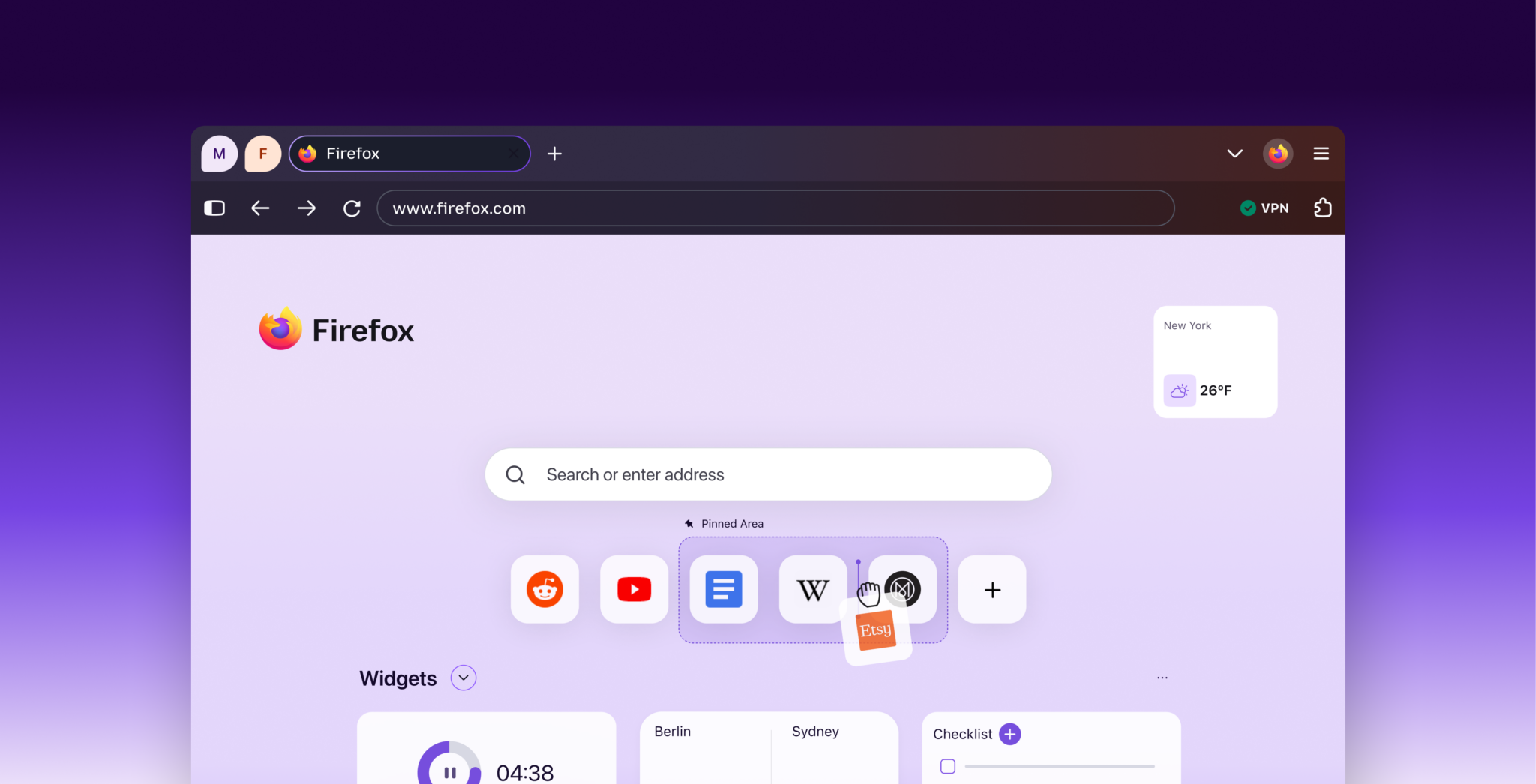
Firefox 157 is rolling Mozilla’s new design to everyone on desktop and mobile. The company announced the rollout on September 29, 2026. After months on Nightly, the stable channel now gets the same colors, icons, and themes.
Mozilla says the refresh runs from everyday tabs and toolbars through the New Tab page and Private Browsing. In addition, it says the visual work does not cost browser performance. Firefox’s UX team first described the project in May as Nova: a renewal of the existing browser, not a replacement.
Compact Mode is back
The most requested piece is Compact Mode. People told Mozilla they missed it after the new chrome landed. Therefore, Compact Mode reduces the size of your tabs and toolbar to give more of your screen to the web. Additionally, smaller screens get an auto-compact option.
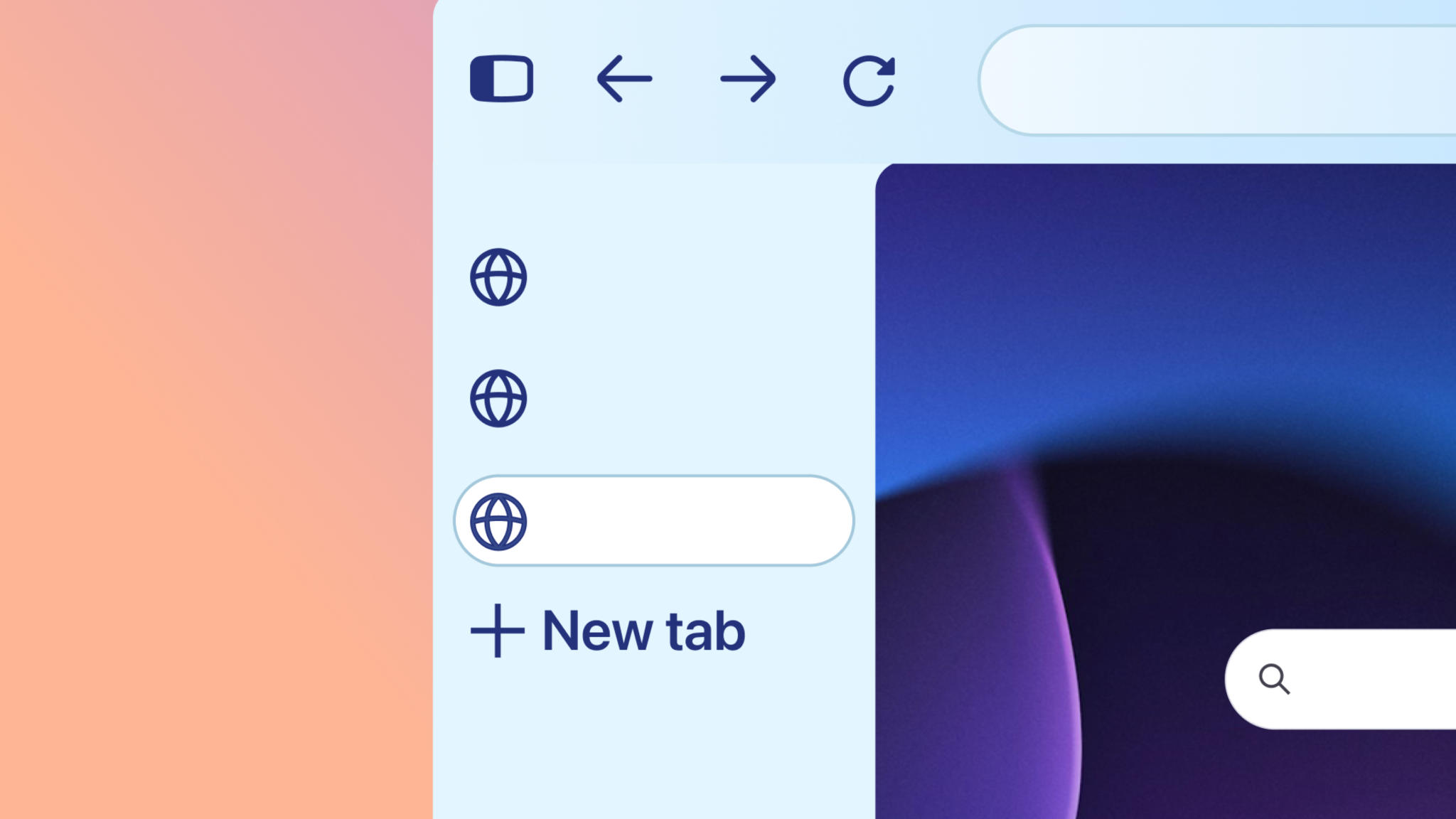
A new theme picker sits next to that density control. Moreover, Mozilla added themes and wallpapers you can browse in one place. Meanwhile, the May design note said accessibility work covers contrast, focus states, keyboard behavior, and target sizes. Specifically, Mozilla treats dark mode as a default environment for some people, not a novelty toggle.
New Tab shortcuts and a shared look
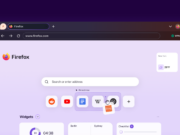
The New Tab page now has a dedicated pinned area. You can pin shortcuts and keep them in order so frequent sites stay put. Mozilla’s launch stills show a Pinned Area you can rearrange, plus widgets such as weather and a checklist.
The chrome itself is meant to feel warmer without shouting over the web. Specifically, tabs have a softer shape. In addition, a subtle gradient gives the active tab more presence. Furthermore, panels, menus, and settings use more rounded, consistent components. The palette leans on a glow around the active tab, plus smoky purples and lighter accents.
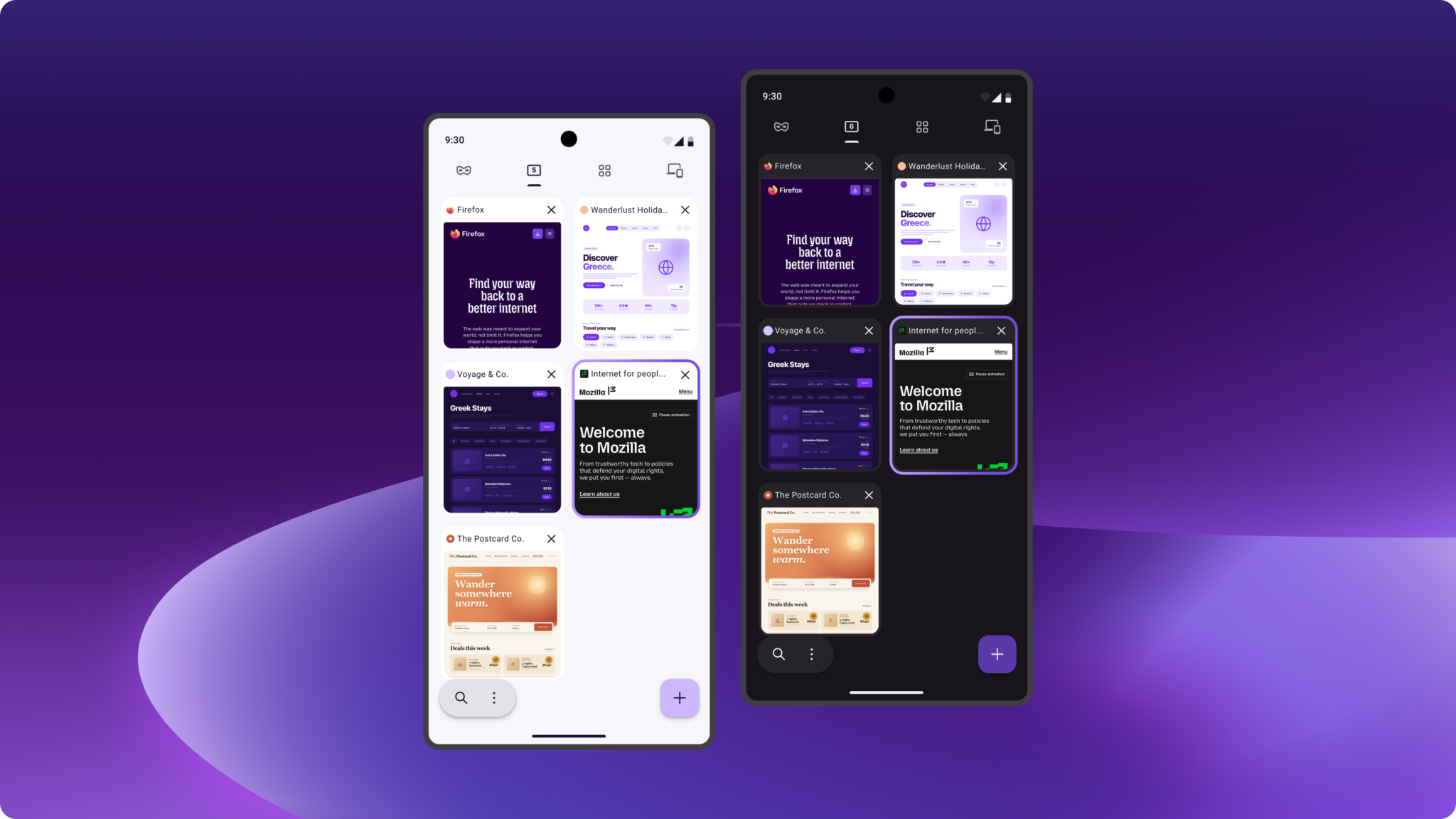
Productivity tools stay close, but they are not the front of the UI. Mozilla says tab groups, split view, and vertical tabs are easier to reach. However, they stay out of your face unless you want them. The same design language now covers desktop and mobile. Consequently, shared colors, icons, and copy are supposed to make Firefox feel like one product across devices.
What Mozilla is not rewriting
Mozilla still calls Firefox independent and open source. Privacy protections stay in the browser. You still choose which AI features appear, which model they use, and what context they get. That matches the opt-in stance Tech My Money covered when Firefox brought its AI Window to mobile.
The Mozilla Add-ons blog names this interface Nova and calls it the biggest refresh since Proton in 2021. Theme authors should check how background images meet the sidebar and vertical tabs. Mozilla says Firefox 158, due October 13, 2026, will fix an expand-on-hover sidebar theme bug. Everyday users can ignore that note unless a custom theme looks off.
Finally, this is a visual and layout pass, not a new engine. Windows users who already stream GeForce NOW inside Firefox keep that path. Firefox 157 is the release that carries Compact Mode, wallpapers, and pinned shortcuts in Appearance settings. Mozilla’s claims about performance and accessibility come from the company. They are not a Tech My Money hands-on test.